
See the big picture
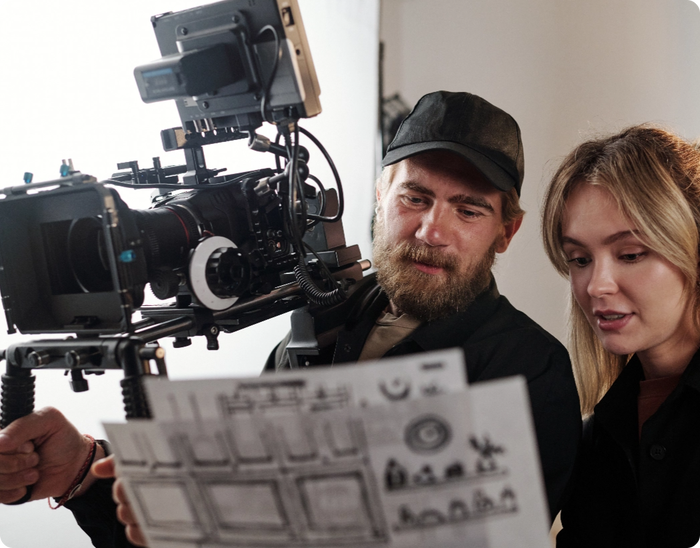
The storyboard shows you what works and what doesn’t – before you begin shooting. With Celtx, you can define shots, easily arrange sequences, and translate your creative vision into a clear outline for the cast and crew.
See Celtx’s storyboard in action
How it works
Use the Celtx storyboard to create a visual representation of your script shot by shot.
-
Sync your script to create sequences
Storyboard panels are organized in sequences. You can sync your script to automatically generate your sequence framework.
-
Add your panels
After creating a panel, you can add a description, an image, and indicate the shot type (such as wide, close-up, etc). The number on each panel refers to the sequence, followed by the individual panel number.
-
Annotate your images
Quickly markup your storyboard images to indicate framing and movement (or sketch from scratch)
-
Preview your story
Use Presentation View to preview your storyboard and get a sense of how your story flows before you start filming.
Tools for every stage of production
The Celtx studio guides you every step of the way with integrated tools and features.
Writing
For film & TV, and theater.
Keep your scripts organized.
Write to industry standards.
Story Development
Visualize your story structure.
Bring your script to life.
Set writing goals and better understand your script.
Pre-Production
Easily tag script assets.
Organize every element in your script.
Plan out every shot.
Automatically create a stripboard from your script.
Track their every detail.
Easily generate and distribute to cast and crew.
Production
Track expenses and prevent overruns.
Dynamically generated and updated.
Get a snapshot of your shoot.

Resources
Storyboard helps visualize your story and translate your creative vision to your cast and crew. Here’s a few helpful resources to get you started.


Get started today with Celtx’s all-in-one studio for writing, story development, pre-production, and production.

Used by writers in 180+ countries

Over 5 million verified Celtx accounts
